# AI Style Variants
> Transform any logo into different visual styles. Flat, pixel-art, monochrome, glossy, dot-grid, and vectorize variants generated with AI.
## How It Works
1. **Add a style parameter** — Append `?style=flat` (or any style) to any logo URL.
2. **AI generation** — OpenRouter's image models process the original logo and create a styled variant.
3. **R2 caching** — The generated variant is cached in R2 so subsequent requests are served in under 100ms.
4. **Clean output** — Returns a clean image that maintains the brand's identity while applying the visual style.
## Available Styles
| Style | Parameter | Description |
|-------|-----------|-------------|
| Flat | `?style=flat` | Clean, modern flat design |
| Pixel Art | `?style=pixel-art` | Retro pixel art aesthetic |
| Monochrome | `?style=monochrome` | Single color SVG |
| Glossy | `?style=glossy` | Shiny, reflective effect |
| Dot Grid | `?style=dot-grid` | Halftone dot pattern |
| Vectorize | `?style=vectorize` | Clean vector trace |
## Dark Mode Support
Monochrome and other SVG styles use `currentColor` which defaults to black. For dark backgrounds, add `&theme=dark` to get white logos:
```html
 ```
## Benefits
- Six built-in styles with a single query parameter
- Works with any logo — just append the style parameter
- AI-generated transformations, not just CSS filters
- Dark mode support with `?theme=dark` for white logos
- Cached after first generation for instant delivery
- No SDK or library required
## Code Example
```html
```
## Benefits
- Six built-in styles with a single query parameter
- Works with any logo — just append the style parameter
- AI-generated transformations, not just CSS filters
- Dark mode support with `?theme=dark` for white logos
- Cached after first generation for instant delivery
- No SDK or library required
## Code Example
```html



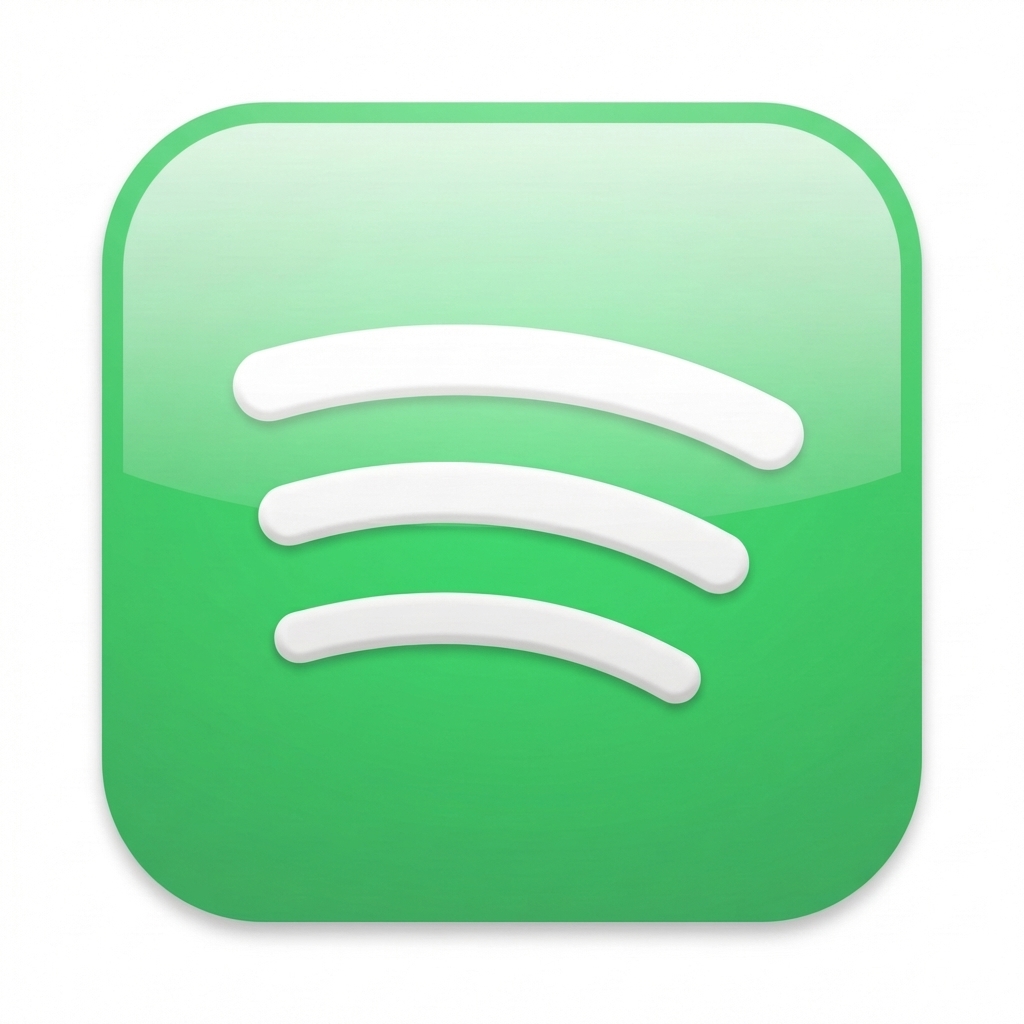

 ```
## Related
- [Domain Logo Lookup](/features/domain-lookup.md)
- [Global CDN Delivery](/features/cdn-delivery.md)
- [Full API Reference](/docs.md)
```
## Related
- [Domain Logo Lookup](/features/domain-lookup.md)
- [Global CDN Delivery](/features/cdn-delivery.md)
- [Full API Reference](/docs.md)